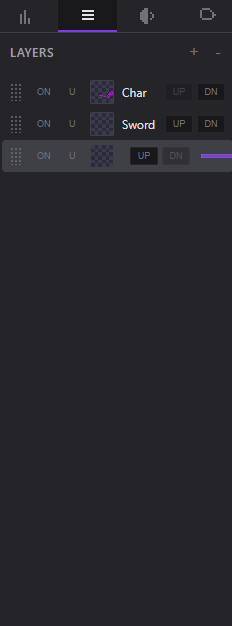
Change One Thing Without Breaking the Rest
Character, background, props and effects each live on their own layer, so reworking the sky at frame 40 never costs you the sprite standing in front of it.
 Desktop Pixel Editor for Windows
Draw pixel-perfect sprites, animate them frame by frame with onion skinning, time the motion against real audio, and export game-ready assets — without leaving the editor or paying anyone monthly.
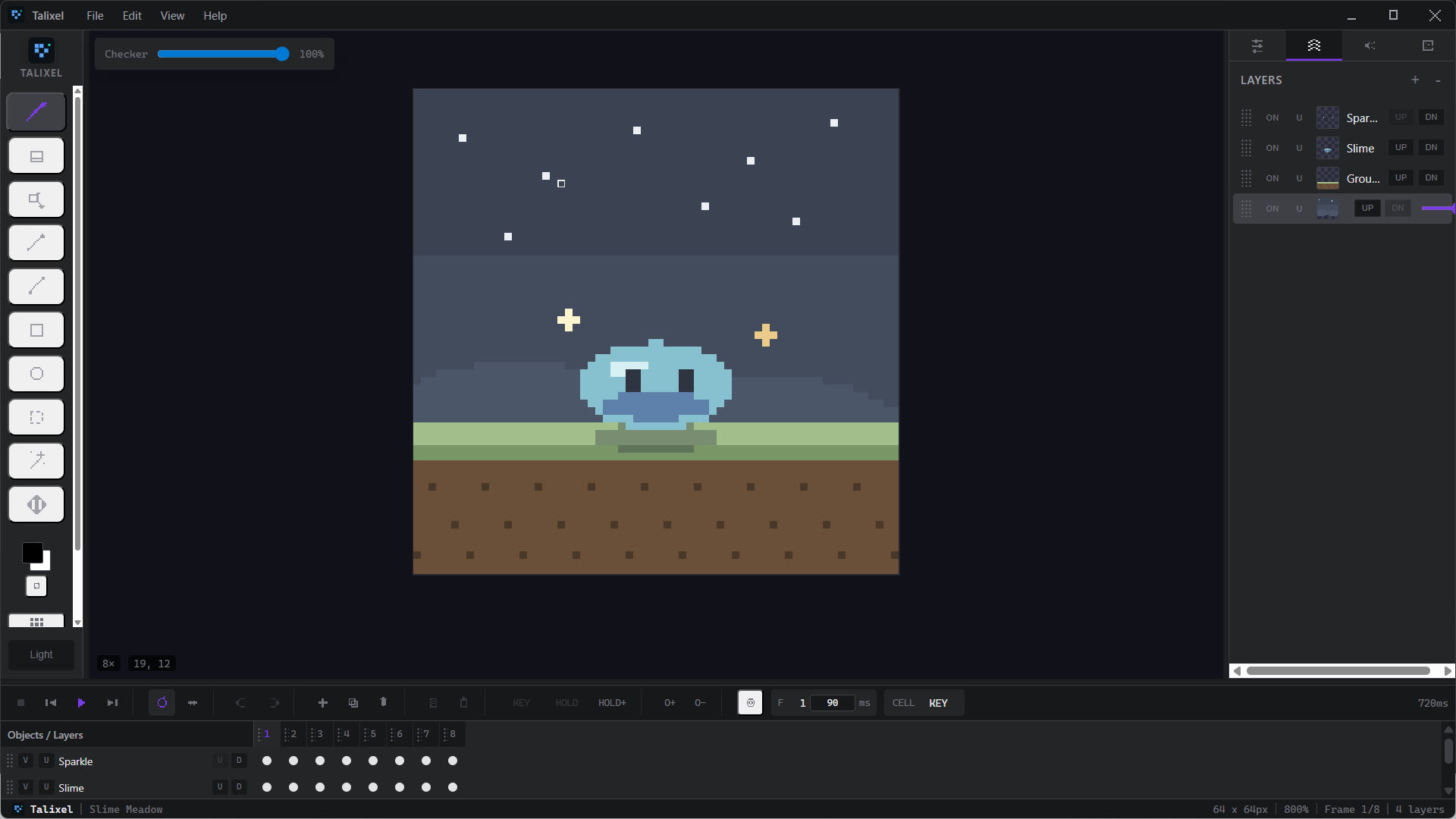
Real editor preview framed to match the Talixel site style.
Every sprite in this clip was drawn and exported with Talixel.
Draw, organise, time and trim in one place — including the part almost no pixel editor handles, which is making motion line up with sound.
Character, background, props and effects each live on their own layer, so reworking the sky at frame 40 never costs you the sprite standing in front of it.
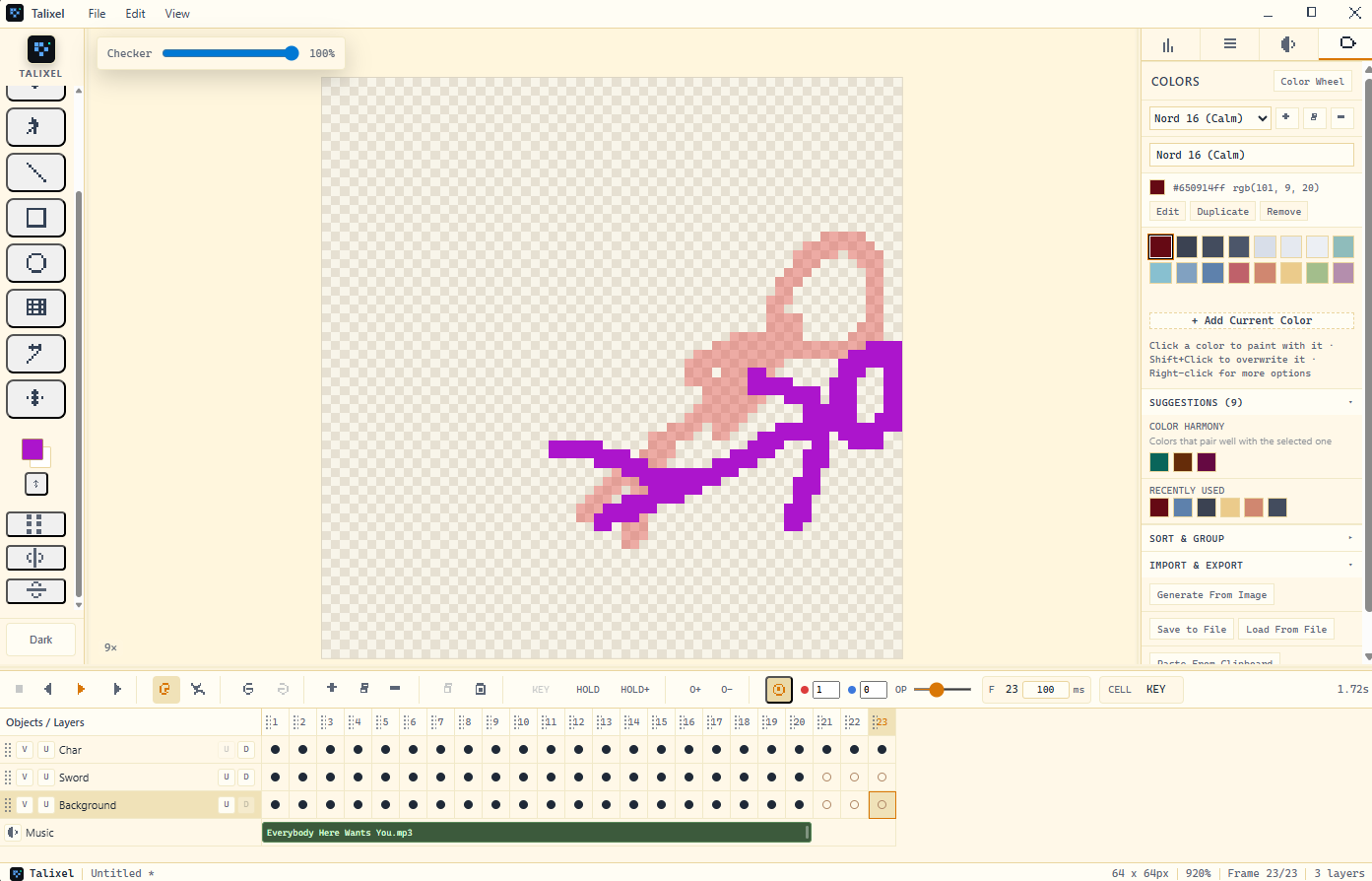
A dark studio interface for long sessions and a light one for bright rooms. Colours read honestly in both, so what you draw at night still looks right in the morning.
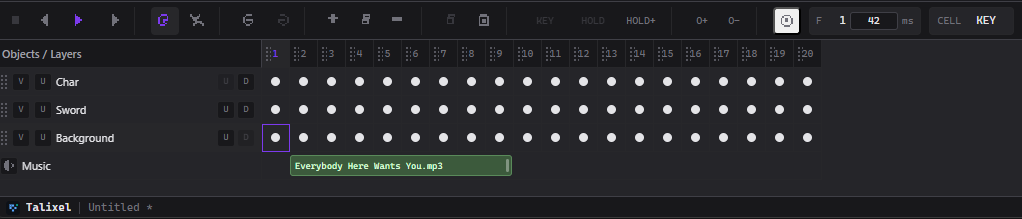
Drop a track straight into the timeline and place keyframes against the sound itself — instead of counting frames, exporting, watching it miss, and starting over.
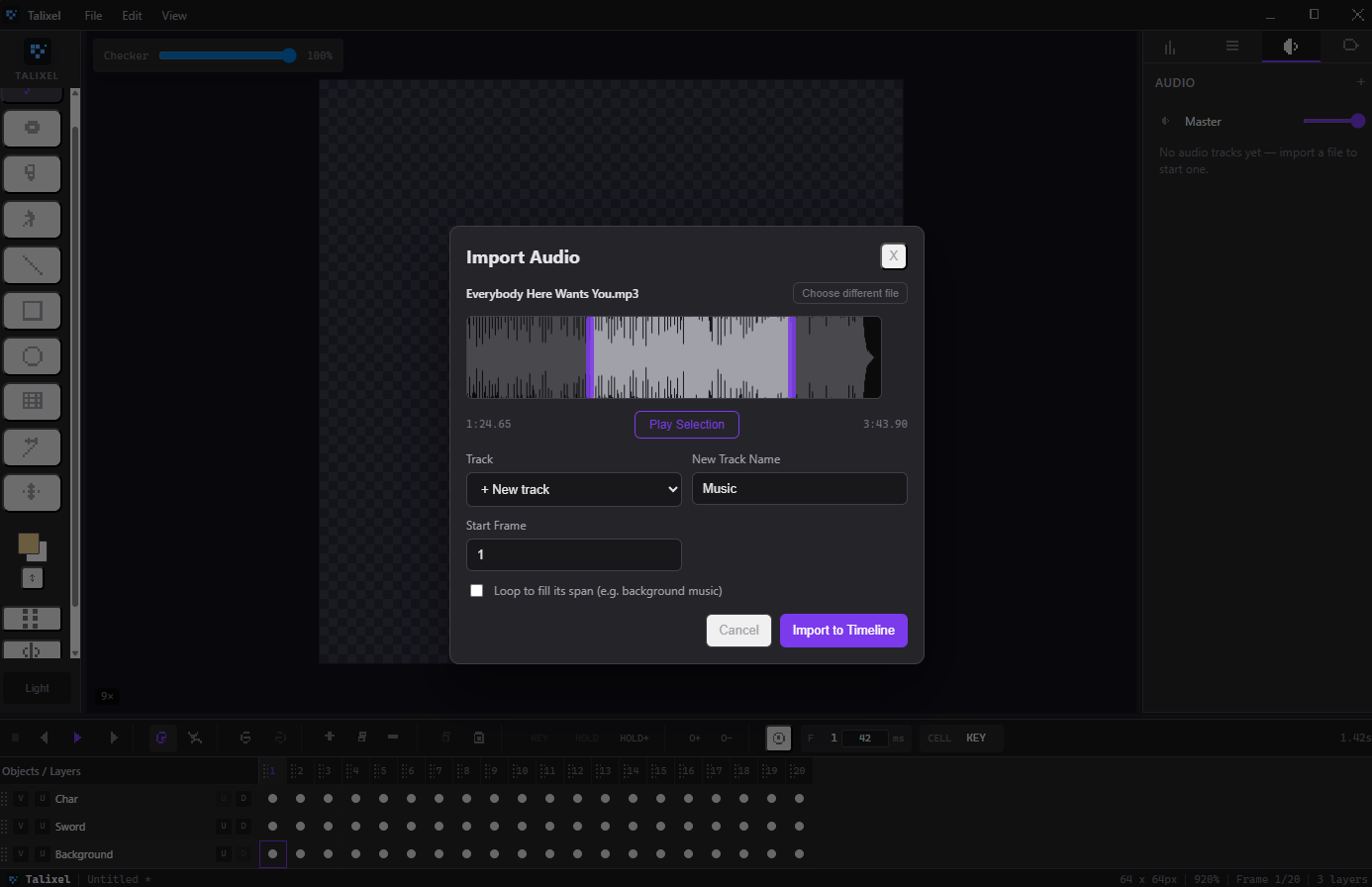
Trim a song down to the exact passage you are animating to before it ever reaches your timeline, so you are not scrubbing past three minutes of intro every take.
Onion skin draws the frames around the one you're editing, so spacing and arcs stay readable while you draw instead of only after you hit play.
Choose how many frames to show on each side and how strongly they tint. Ghosts fade the further out they sit, so the nearest frame always reads clearest.
Fair questions to ask before running an installer from a developer you have never met.
No cloud storage, no upload feature. Files save to your disk and stay there.
No analytics library in the app. Nothing reports how or when you use it.
New versions download quietly and apply when you close the app. No reinstalling.
30 days. Email us and we refund you — no argument, no form to fight with.
We have no publisher certificate yet, so Windows asks you to confirm. Here is what it looks like and what to click.
Email support@talixel.com. Typically 24–48 business hours.
Buy once. Own it forever. No subscriptions and no recurring billing.
No. Talixel is sold as a one-time purchase with a perpetual license.
Yes. Talixel is a desktop app with full local file workflows and offline editing.
PNG, animated GIF, sprite sheets with metadata, and video — including any audio you've imported for timing.
Talixel currently runs on Windows 10 and 11 (64-bit). macOS and Linux versions aren't available yet.
Two at a time. If you get a new machine, remove the old one from your account page and the slot frees up immediately — no need to contact support.
Yes — your license key lives in your account, so you can always find it again and manage your devices. The app itself only needs the key, and works offline once activated.
Not yet — Talixel is a one-time purchase with no trial build today. What we offer instead is a 30-day refund window: buy it, use it properly, and if it is not the tool you wanted, email support@talixel.com and we refund you.
That warning appears because Talixel does not carry a paid Windows publisher certificate yet, not because anything was found in the file. Every new independent app sees it. We wrote a short page showing the exact screens and what to click, including how to verify the installer’s checksum if you would like to check it yourself.
Automatically. Talixel checks for new versions in the background, downloads them quietly, and installs the next time you close the app. You never reinstall from the website or re-enter your key.
Support requests are typically answered within 24 to 48 business hours.